Cube Orange+: "CHECK BARO1 PRESENT" & "Failed to update IO firmware" Errors

Hello everyone,

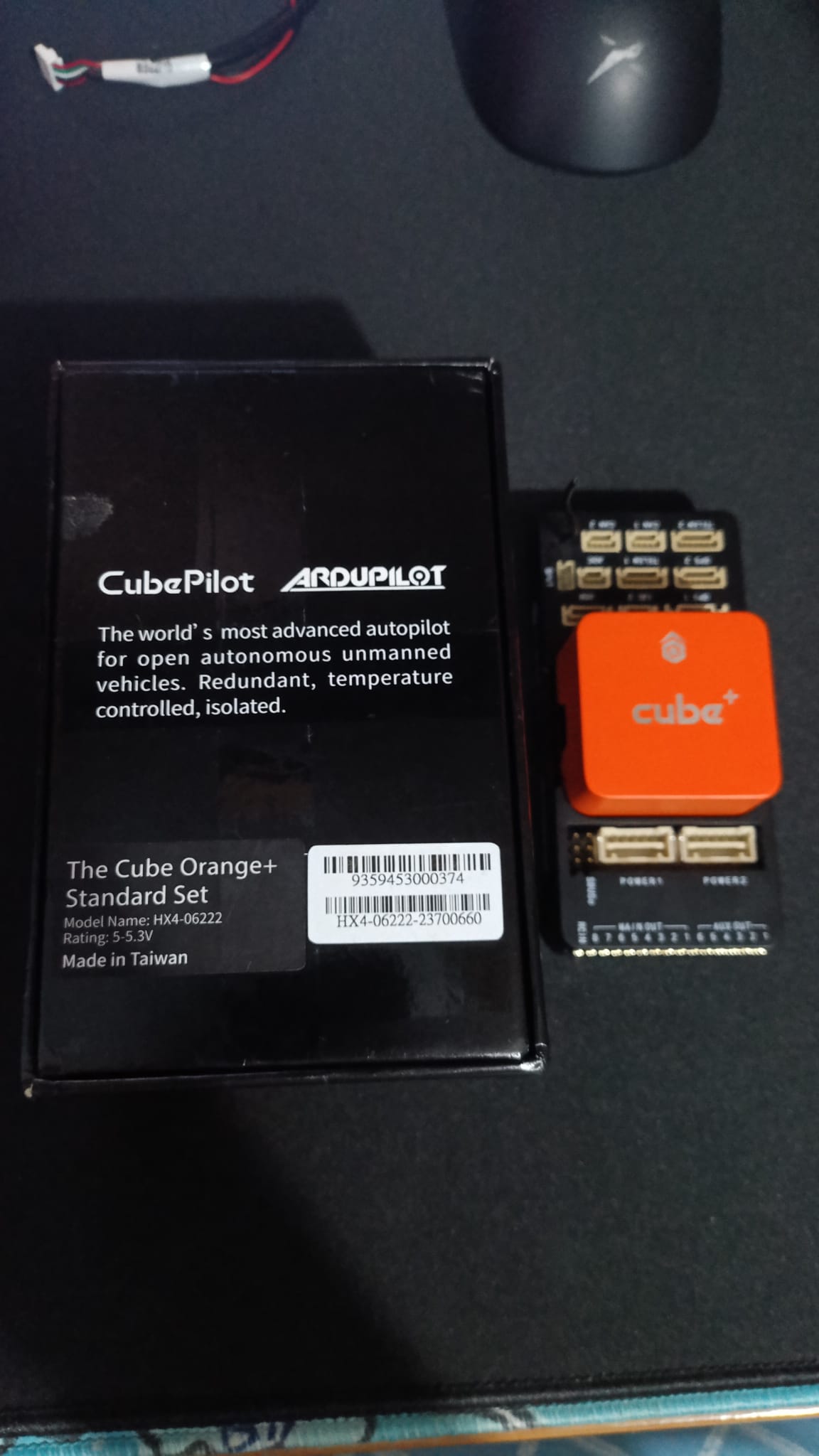
I am seeking assistance with a Cube Orange+ flight controller that belongs to my school. It was purchased a while ago but has been kept in storage unused. Unfortunately, we no longer have the original invoice or receipt, but I am certain the board is brand new.

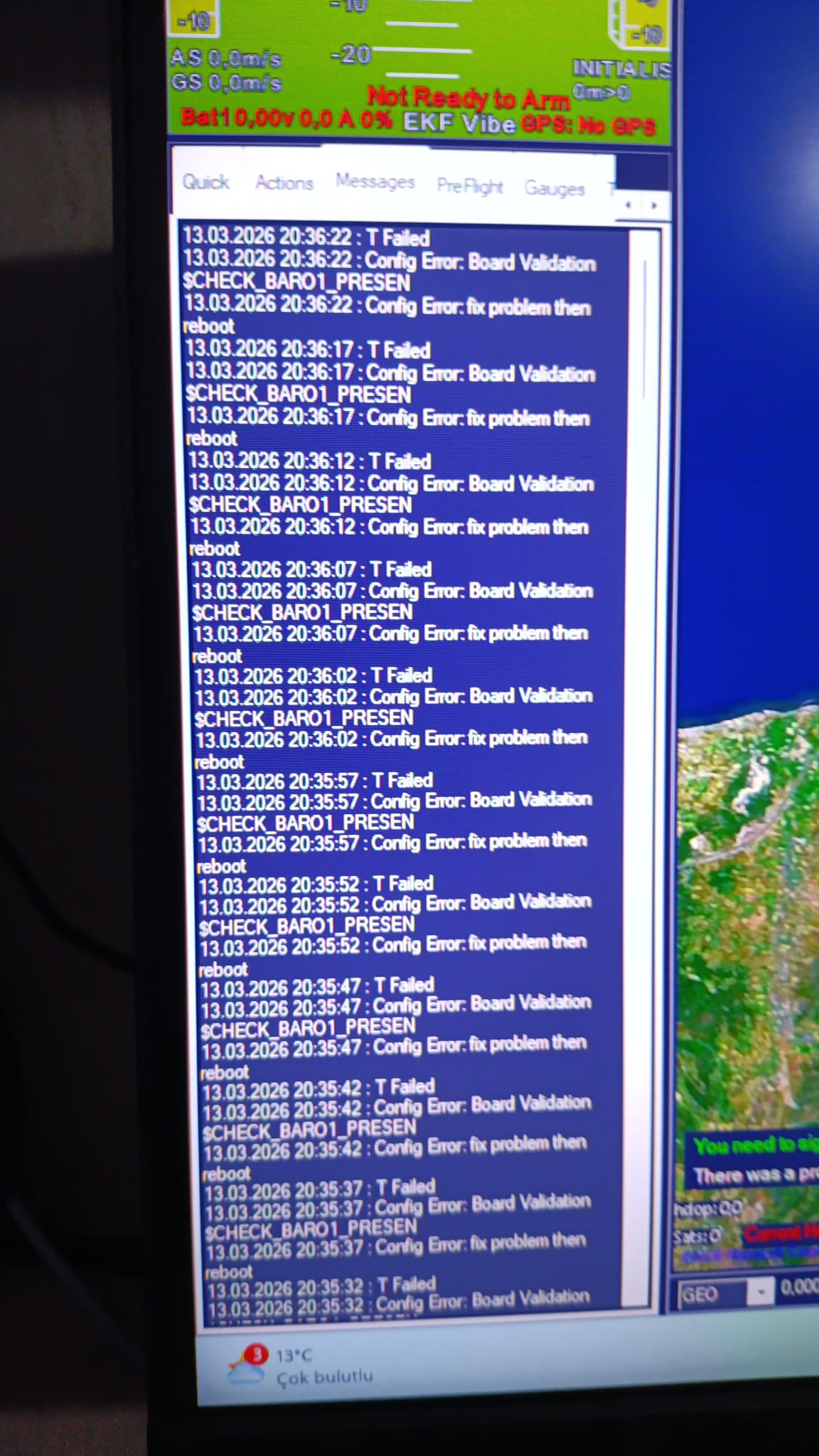
The Problem: When I connect the board to Mission Planner, I consistently get a CHECK BARO1 PRESENT error.

Troubleshooting Steps Taken:

  • Firmware Testing: I have tried flashing all published ArduPilot firmware versions, but the issue persists.

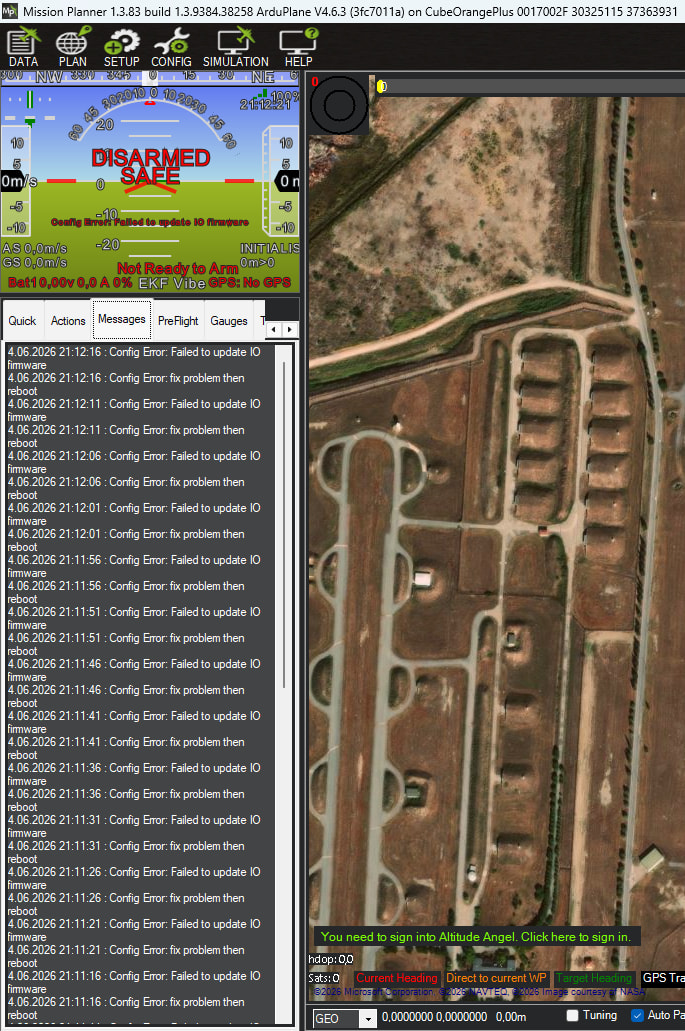
  • Bypassing Board Validation: I attempted to bypass the board validation by setting BRD_OPTIONS = 128. When I do this, the error changes to Failed to update IO firmware.

  • Hardware Inspection & Repair Attempt: We opened the Cube to inspect the internal hardware. We even went as far as replacing the barometers with brand-new ones, but this did not solve the problem.

  • Supplier Contact: I tried reaching out to local suppliers for support, but I haven’t been able to get a response.

Given that hardware replacement and firmware changes haven’t worked, could this be an issue with the IO MCU, an internal power routing problem, or something else entirely?

Has anyone experienced a similar issue or have any suggestions on what else I could check? Any guidance would be greatly appreciated.

Thank you in advance!

Hi Kaan,

Based on the symptoms, I would treat this as a possible hardware-level fault rather than a normal parameter or firmware issue.

The Cube family is expected to have onboard barometers as part of its redundant sensor architecture. CubePilot’s own specifications list the Cube architecture with redundant IMUs and onboard barometers, so a persistent CHECK BARO1 PRESENT means ArduPilot is not seeing one of the expected internal sensors during board validation.

CubePilot specifications:
https://docs.cubepilot.org/user-guides/autopilot/the-cube/introduction/specifications

There are also previous ArduPilot / Cube cases showing similar board-validation messages, including CHECK_BARO1_PRESENT:

ArduPilot GitHub issue:
https://github.com/ArduPilot/ardupilot/issues/22779

CubePilot forum discussion:
https://discuss.cubepilot.org/t/bunch-of-orange-cubes-start-to-fail/11890

I would be careful with BRD_OPTIONS = 128. It can bypass board validation, but it does not necessarily solve the underlying sensor-detection problem. If the error then changes to “Failed to update IO firmware”, that may be a separate issue related to the IOMCU / IO firmware path, not proof that the barometer problem is fixed.

For the IO firmware issue, ArduPilot documents a force-update procedure for the IOMCU by holding the safety switch while powering on the autopilot:

ArduPilot IOMCU force-flash procedure:
https://ardupilot.org/dev/docs/pixhawk-force-px4io-flash.html

There is also a CubePilot forum discussion about the Failed to update IO firmware message:

CubePilot forum discussion:
https://discuss.cubepilot.org/t/orange-cube-failed-to-update-io-firmware-fix-it-and-than-reboot/9839

My suggested next checks would be:

  1. Test the Cube on a known-good CubePilot carrier board.

  2. Flash the latest stable ArduPilot firmware using Mission Planner, then reset parameters to default.

  3. Try the documented IOMCU force-update procedure using the safety switch.

  4. Capture the boot messages, BARO_DEVID values, board ID, bootloader version, and full Mission Planner messages.

  5. Avoid flying this controller until both the barometer validation and IO firmware issues are resolved.

Since you already replaced the barometers and the problem did not change, I would not continue replacing parts. The fault could be on the sensor bus, power rail, internal PCB path, FMU-side interface, or IOMCU / bootloader side.

At this point, I would escalate it to CubePilot or an authorized reseller with the serial number, photos, and boot logs. I would treat this controller as not airworthy until the barometer validation and IO firmware update issue are fully resolved.

Dr. Fares Al Dhaheri

Al-Etihad Industrials, UAE
Dear Dr. Fares,

Thank you very much for your detailed explanation and support. I really appreciate the guidance.

Regarding the hardware, when I opened the Cube, I visually inspected the PCB traces and components, and everything appeared to be intact and in good condition. I would gladly escalate this to the local suppliers as you suggested, but unfortunately, the authorized resellers in Turkey are currently not responding to my messages.

Given the circumstances, my next plan is to open the carrier board and attempt to flash/update the bootloader directly using an ST-Link.

I also appreciate your warnings about flight safety; I will definitely keep this controller grounded until both the barometer and IOMCU issues are completely resolved.

Thanks again for your time!

Best regards.

Update:

Hello again,

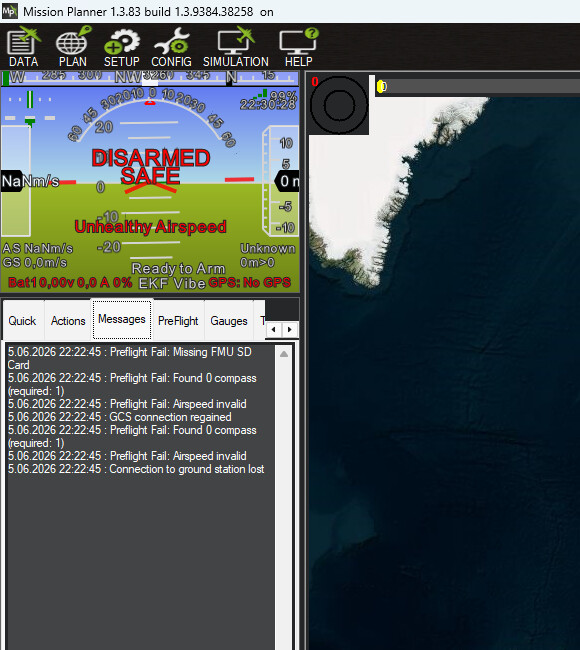
I have an interesting update. Just for testing purposes, I decided to flash the PX4 firmware onto the controller. Miraculously, everything seems to work perfectly! Both the barometer and the accelerometer are functioning without any issues under PX4. The only minor hiccup is a warning message stating that the SD card cannot be read, but the core sensors are alive and well.

However, sticking with PX4 is not an option for me. I absolutely need ArduPilot for my current autonomous UAV project, as I heavily rely on its specific functionalities, such as Guided mode maneuvers.

Since the sensors are physically intact and recognized by PX4, this strongly suggests the issue is related to how ArduPilot (or its bootloader) interacts with this specific board.

Given this new information, does anyone know why ArduPilot might be failing to initialize sensors that PX4 can read without problems? How can I force ArduPilot to correctly recognize the hardware?

Thanks again for the support!