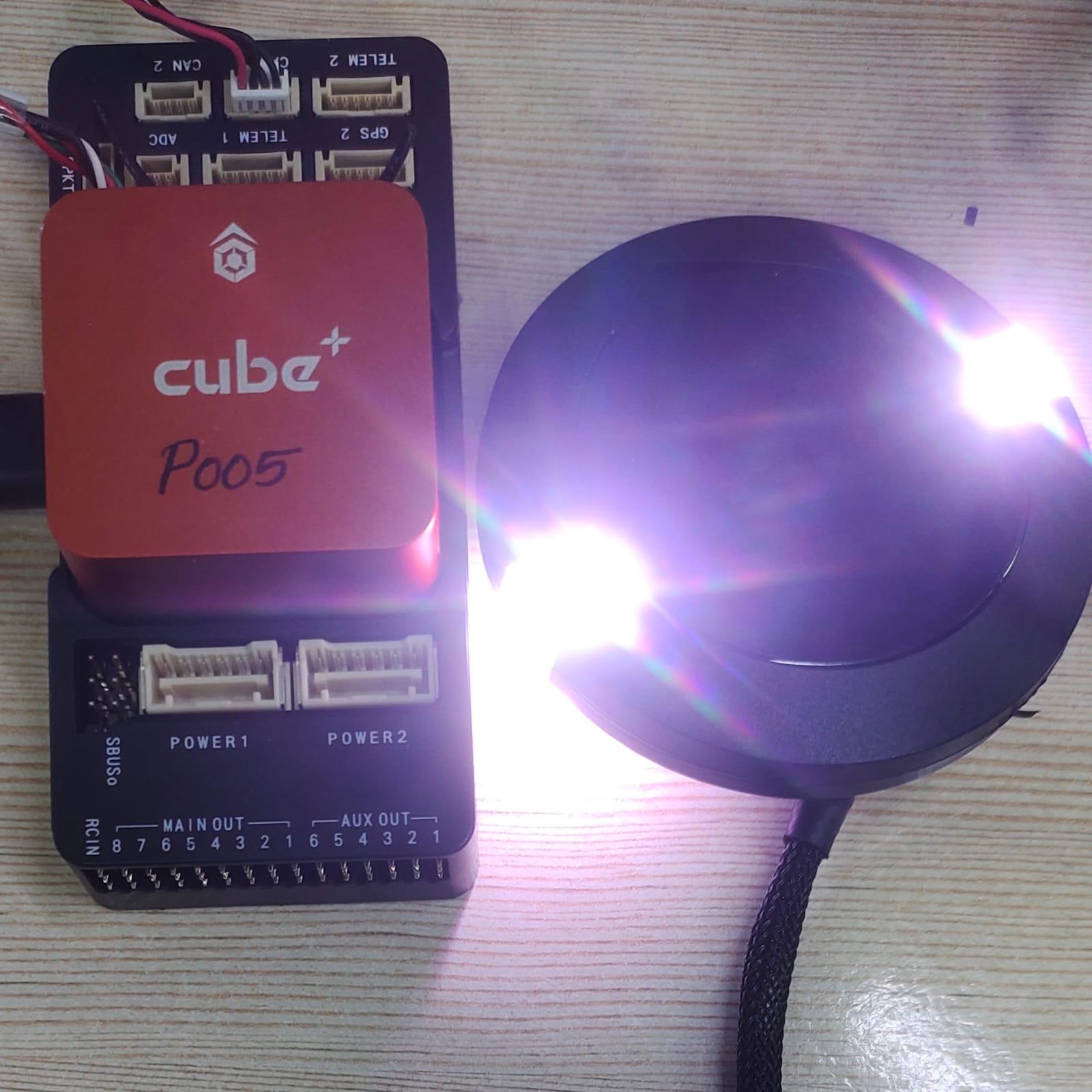
Configuration:-
I am using PX4 (1.15.2) autopilot running on Cube orange+, with Here4 GPS
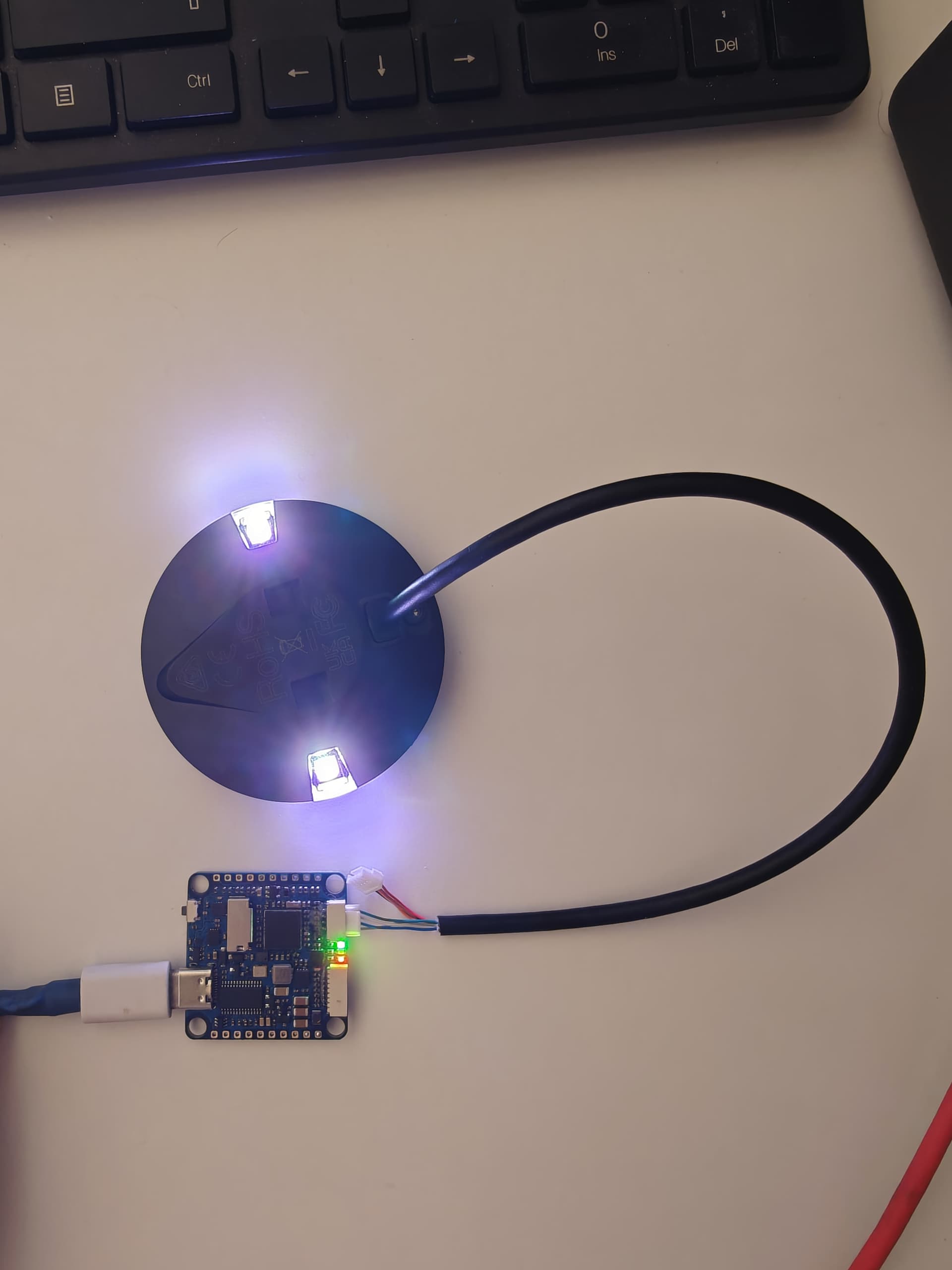
Once the solid white light appear, the GPS is not detecting by the PX4. I also uploaded Ardupilot but the problem remains the same.
I also tried to update the firmware on the Here4 GPS using ardupilot and mission planner [https://docs.cubepilot.org/user-guides/here-4/here-4-manual#id-3.-firmware-update](https://official website)
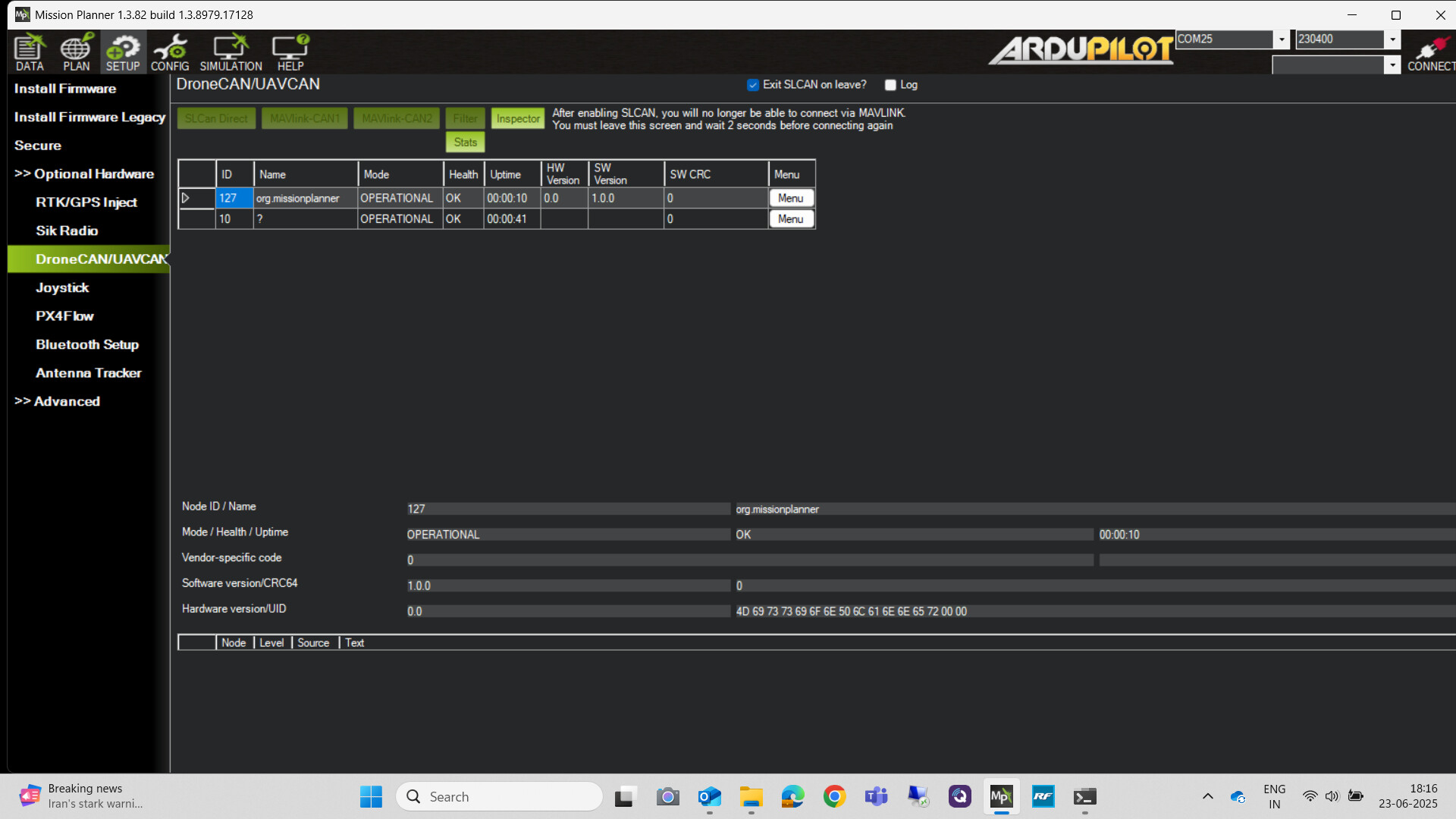
but a ? appears in the name column, No HW version, No SW version,
I am not able to communicate with the GPS through Drone CAN GUI tool, nor by U blox U centre tool,
White LEDs are usually a physical connection problem as far as I know.
Try setting BRD_BOOT_DELAY,5000 too, this allows the Here to boot up before the flight controller so CAN communication will be ready to go when the FC starts interrogating.
Hi @xfacta Thank you for your reply,
the cube and GPS are brand new, and I am doing the connection as per the document
I tried to change BRD_BOOT_DELAY to 5000, But the problem remain same,
any other solution.
I am also facing the same issue on 10 units out of 120 new Here4 GPS modules.
The problem also appeared randomly after a few flights and affected GPS units get stuck with a solid white light and are no longer detected by Ardupilot (No GPS) and the CAN node isn’t visible in DroneCAN in Setup tab in Mission Planer.
The HERE4 units were all on the latest firmware available from Mission Planer.
Here is the picture that shows the cable used (it is stock HERE4 cable). There is no difference between CAN1 or CAN2 connector.
I am attempting to reload firmware using ST-LINK v2, and also with v3, but not having luck seeing “the target” from Stm32cubeprogrammer. Trying to identify SWDIOand SWCLK pins on 6 pin JST-SUR header. Is there a description of the procedure somewhere?
The procedure in the bulletin does not cover the firmware update using Stm32cubeprogrammer. If you have that procedure can you please share. Specifically, what is the pinout from the internal 6 pin JST-SUR connector to the ST-LINK 10 pin connector on st-link v2 or to the 20 pin connector on ST-LINK v3.
I have few doubts can you please help me this matter.
I bought Here 4 GPS and as per the above solution for Bootloader updated i have done the same. But the after few flights normal suddenly at any random flight the GPS is having White LED light. Why the white LED is present in solid state. We couldn’t find the root cause why this is happen very eventually after updated with bootloader.
How to identify the bootloader is present in the HERE 4 GPS with correct method.
Whether we have to do the bootloader update for all the GPS which is being purchased recently. If bootloader is necessary whether it can be done by STLINK or Drone CAN updater
In few post FLASH_BOOTLOADER to 1 is advised to set but whether this process is also necessary to do for all the GPS which is purchased newly.
I imagine new Here4’s already have the latest firmware and bootloader, you’d be able to easily verify that. Look for firmware version 1.15
The best way to update the bootloader (if required) is to do the firmware update, then set the bootloader update parameter. You can see in messages if the bootloader was updated, or didnt need to be updated.