Hi, i’ve been reading about Serial bus outputs in teh cube orange AP, in order to control serial devices, but since the information is not specific nor consolidated so I will write here what I’ve understood so far so I can get confirmation from you guys.
So:
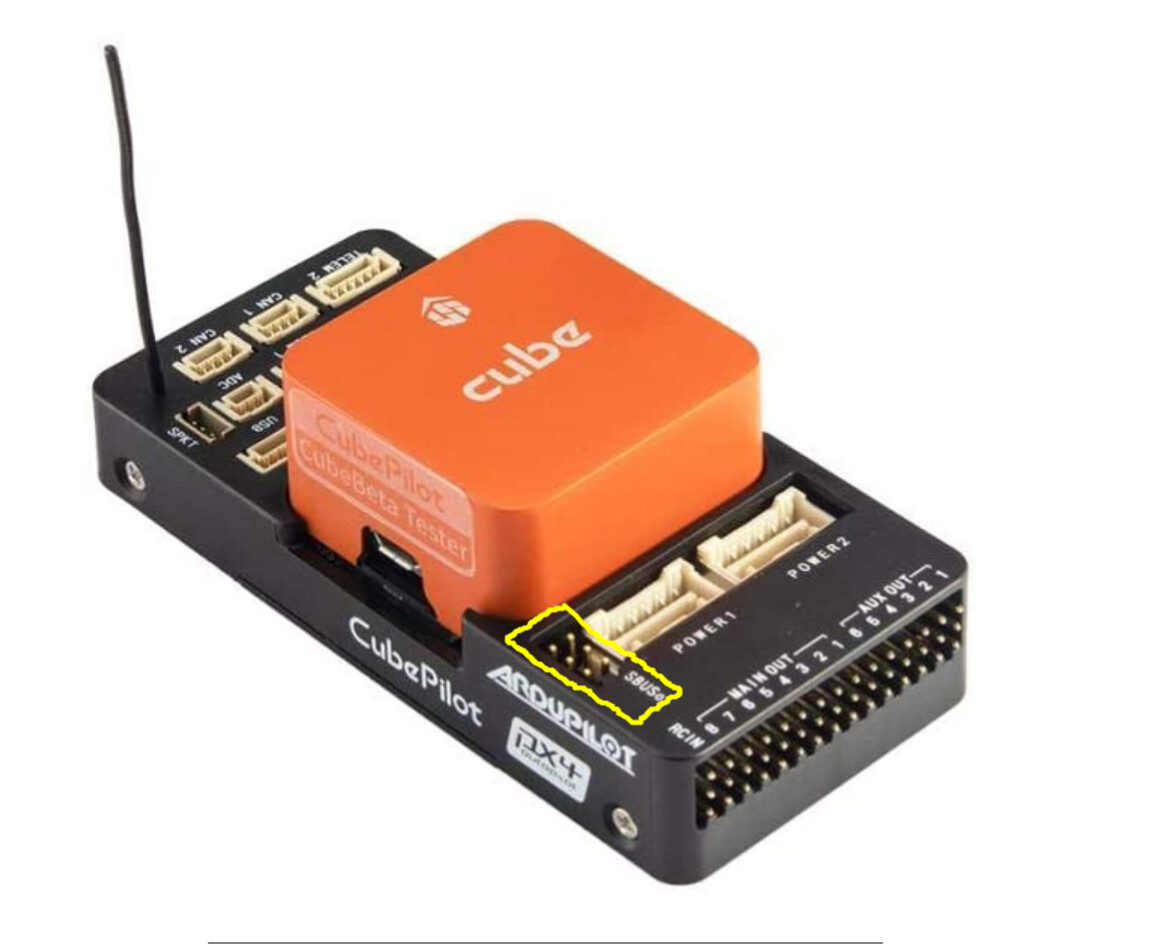
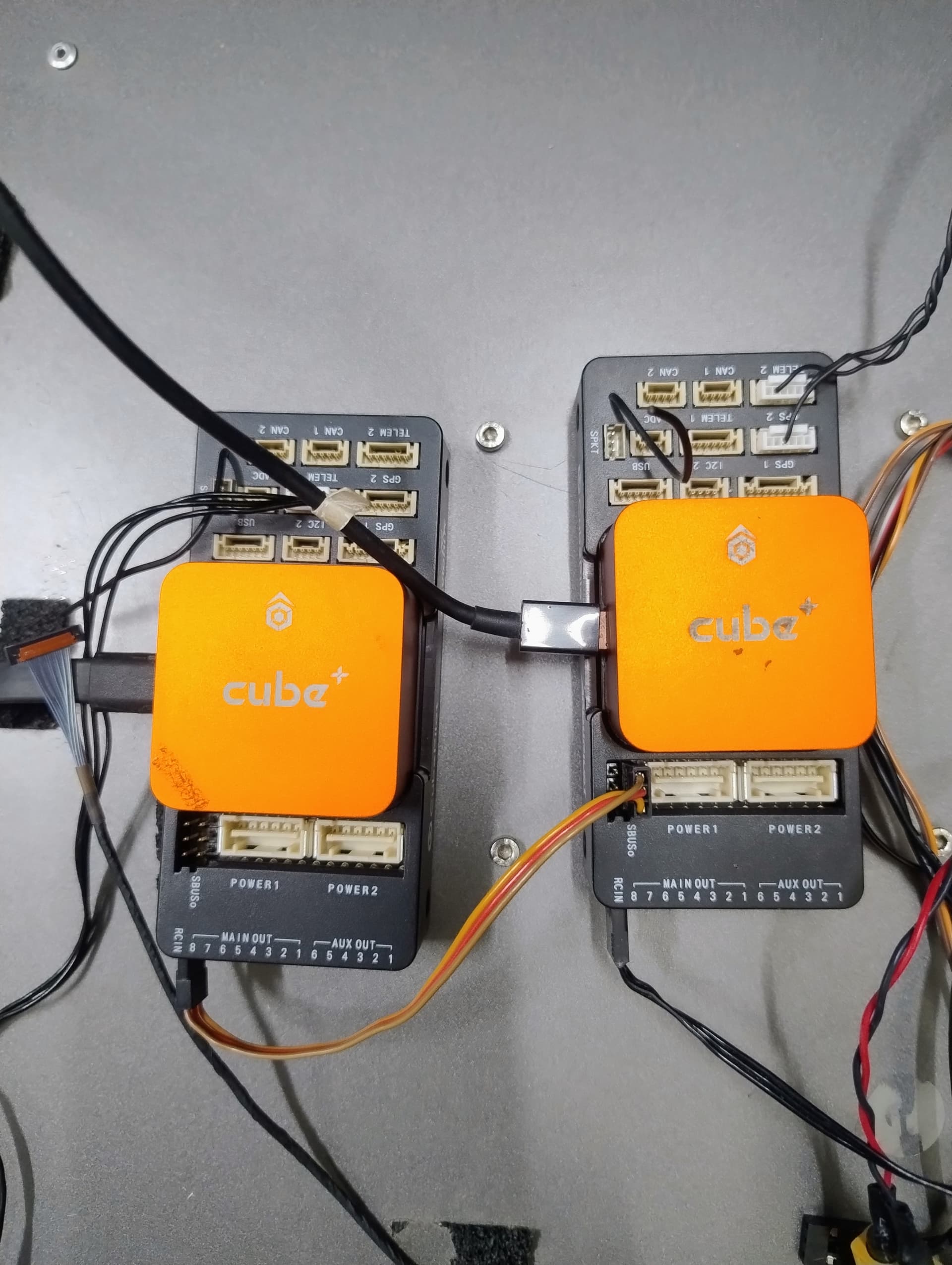
The serial bus output is the rail inside the yellow square in the image below with the tag “SBuso”, right?
So in the herelink air unit, I would configure the channels that I want to control, in this case, I will use #5 and #7 for tilt and pan control respectively.
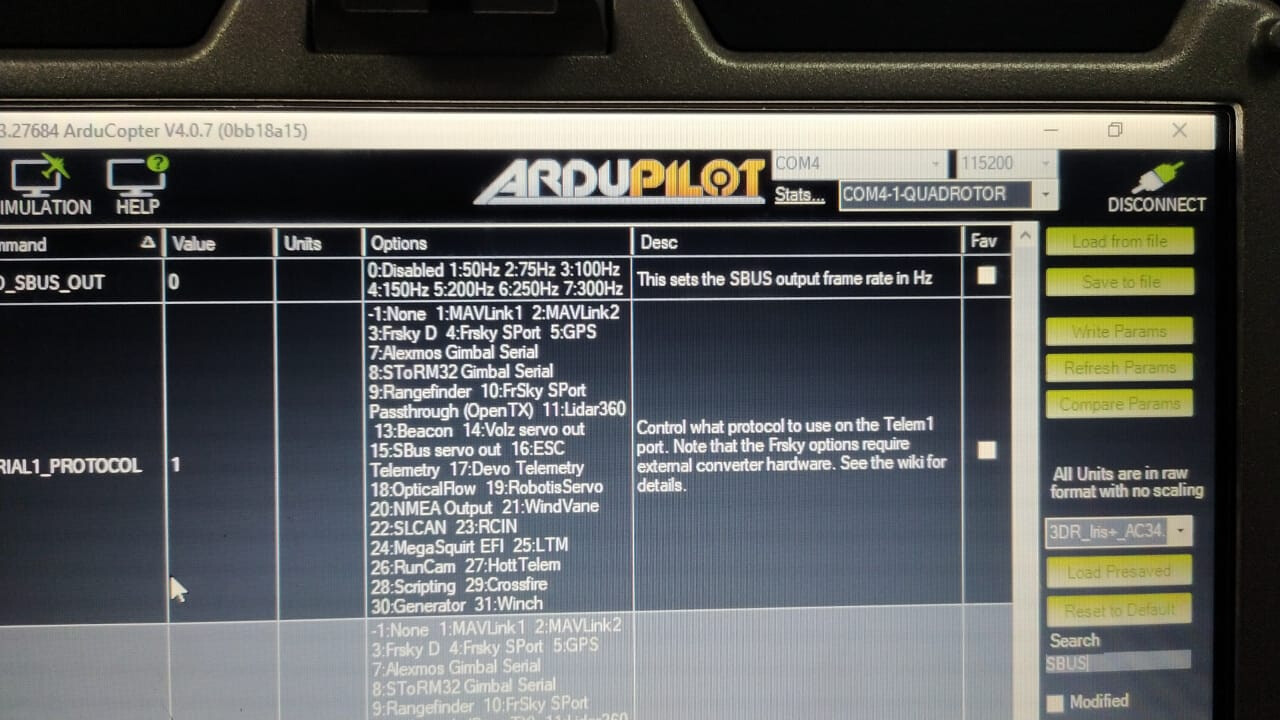
Then, in mission planner I will enable BRD_SBUS_OUT.
As a sidenote, the cube orange manual is by far incomplete! I guess that de developer team should expand the cube orange manual found in the docs.cubepilot.com
We have the same gimbal along with a herelink. Couple of things to note:
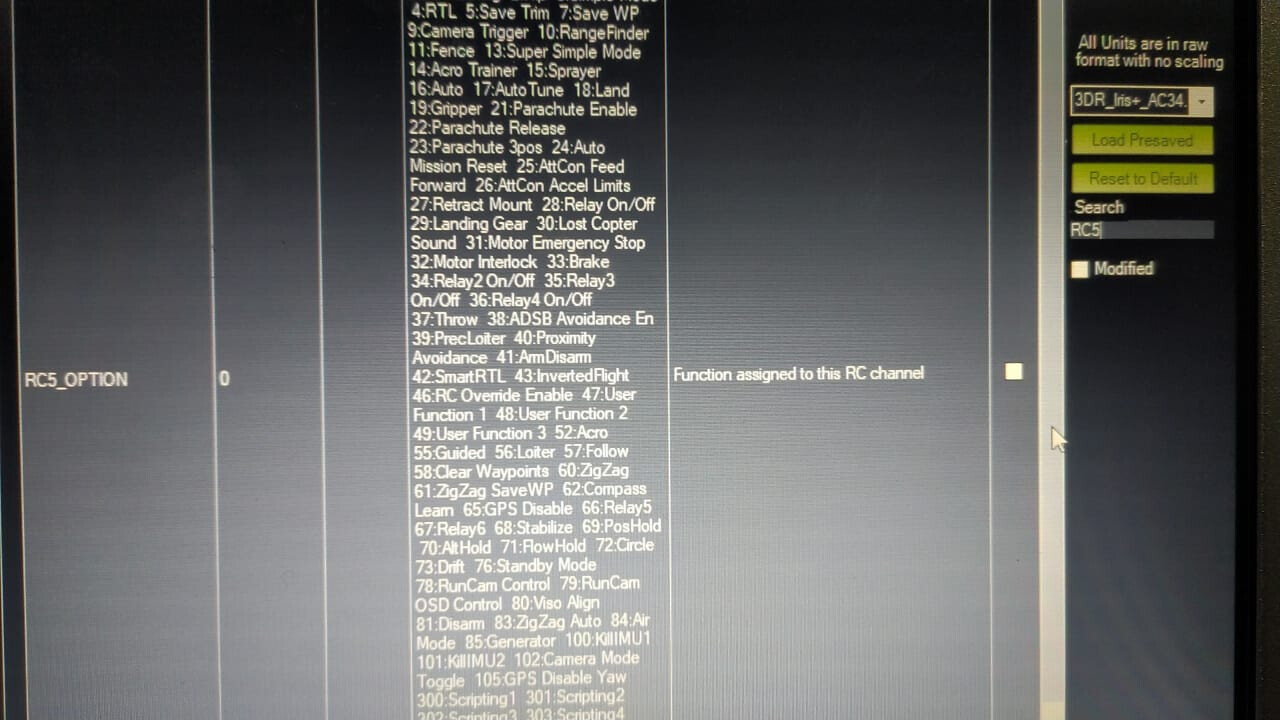
You use ServoX_function, not RCx_function. The first couple of servos will be used for your motors, so only use 5 if you’re running a quad, otherwise stick to servo9 onwards.
I have Servo9_function set to 55 which is RCPassThru5 (i.e. Channel 5 passthru). You can pass through channels 1-16 using 51-66, see here. On the tarot gimbal software, set the channel to the corresponding servo number, e.g. I have Channel 9 set for tilt as I mapped rcin5 (hardware wheel) to servo 9. Hope that makes sense.
There are 2 sets of 3 pins, the ones next to the power1 port is the sbuso, I’m not sure what the other 3 are for. Also, did you get your polarity right?
Send a bin or param file of how you had it set up for sbuso, I’ll have a look.
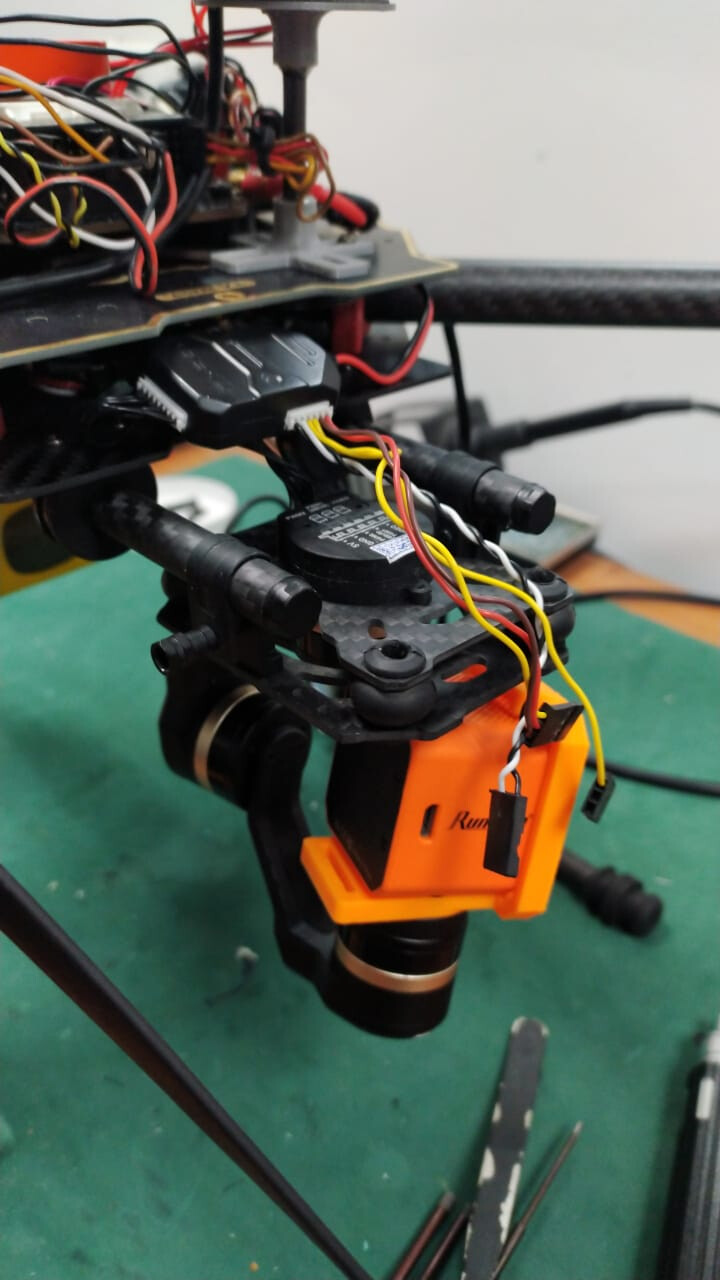
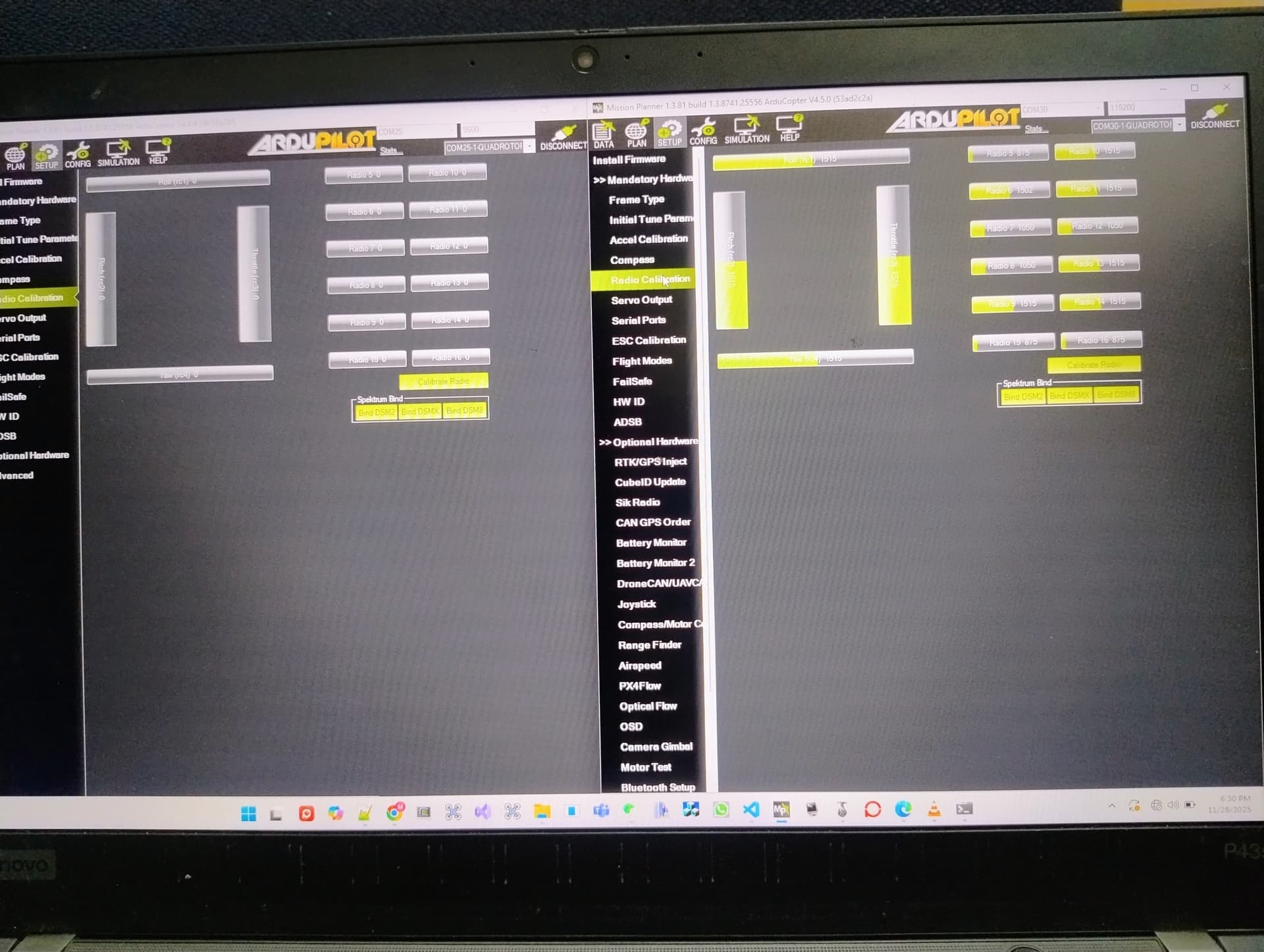
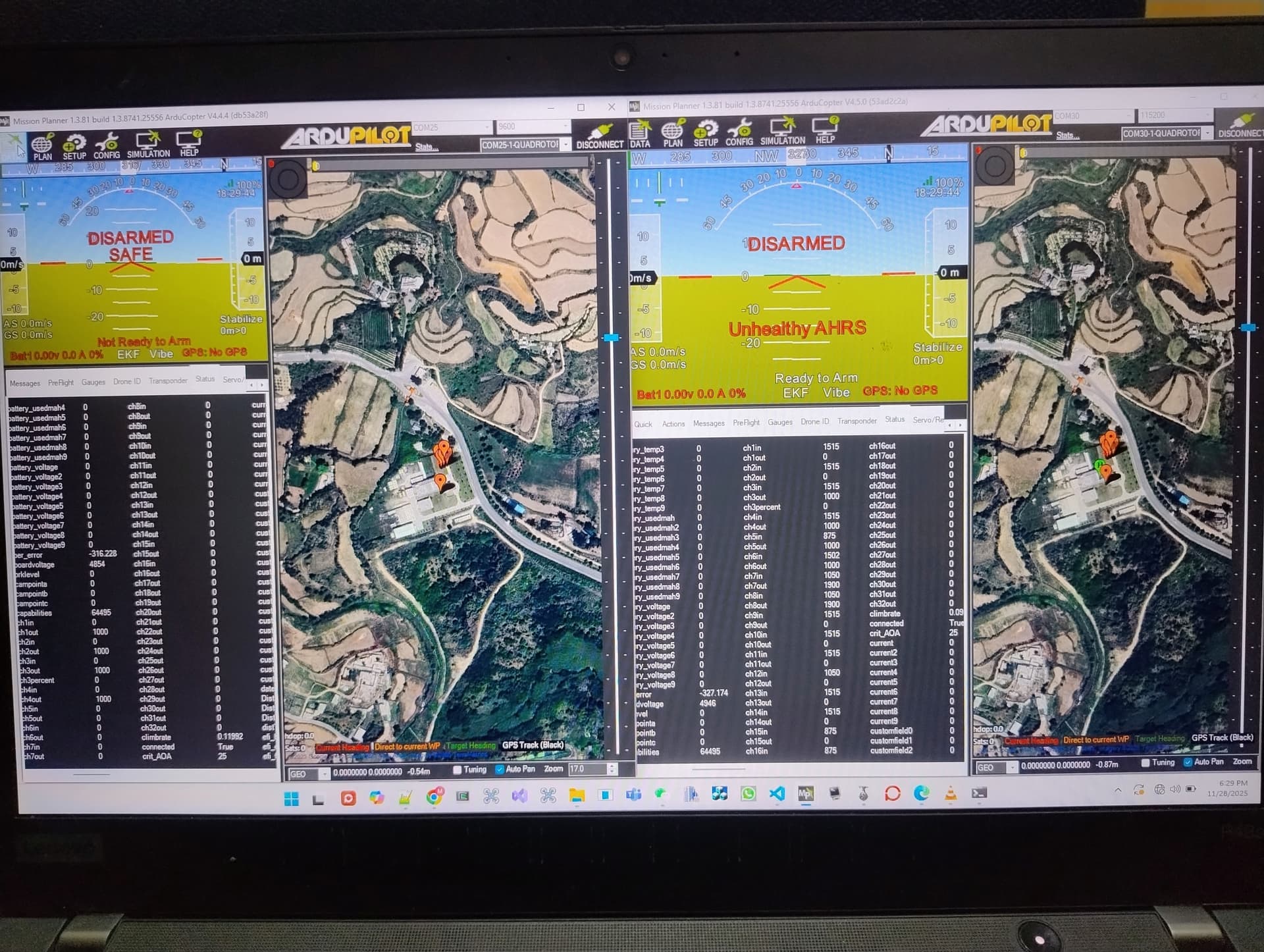
I need to control my gimble using sbuso, for this when I connect to sbus out gimble starts moving in one direction. I tried to test using an other cube as shown In figure. No sbus was detected
I don’t normally do much support here on the CubePilot site, I normally do that in the AP 4.6 forum.
In any case, it sounds like you have two issues:
gimbal not moving correctly
SBUS out from one autopilot is not being consumed by another
Because the gimbal is moving I think this indicates that the sbus out from the first autopilot is working and so the 2nd issue is really just an issue that makes debugging the 1st problem more difficult.
If you want to post over in the AP forum and include an onboard log file I can look into it further. I think it’s important to also check that if you directly connect an SBus capable receiver to the gimbal that it works.
By the way, this isn’t one of the supported methods of connecting a gimbal to ArduPilot. The supported methods and camera gimbals are here. Sorry but there are so many different setups that it’s difficult to support them all. Instead we hope that we support enough of them that users can find a setup that works for them.
Thanks alot @rmackay9, I would share log and detailed testing on ardupilot forum as well. Meanwhile, gimble working good when directly controlled by sbus of receiver, while work differently when connected to sbuso